X Video Downloader for iPhone: A Mobile Guide
Step-by-step guide to saving authorized X/Twitter videos on iPhone using Safari and the Files app. Export clean MP4 files directly to your Camera Roll.
Direct Answer & Technical Recommendation
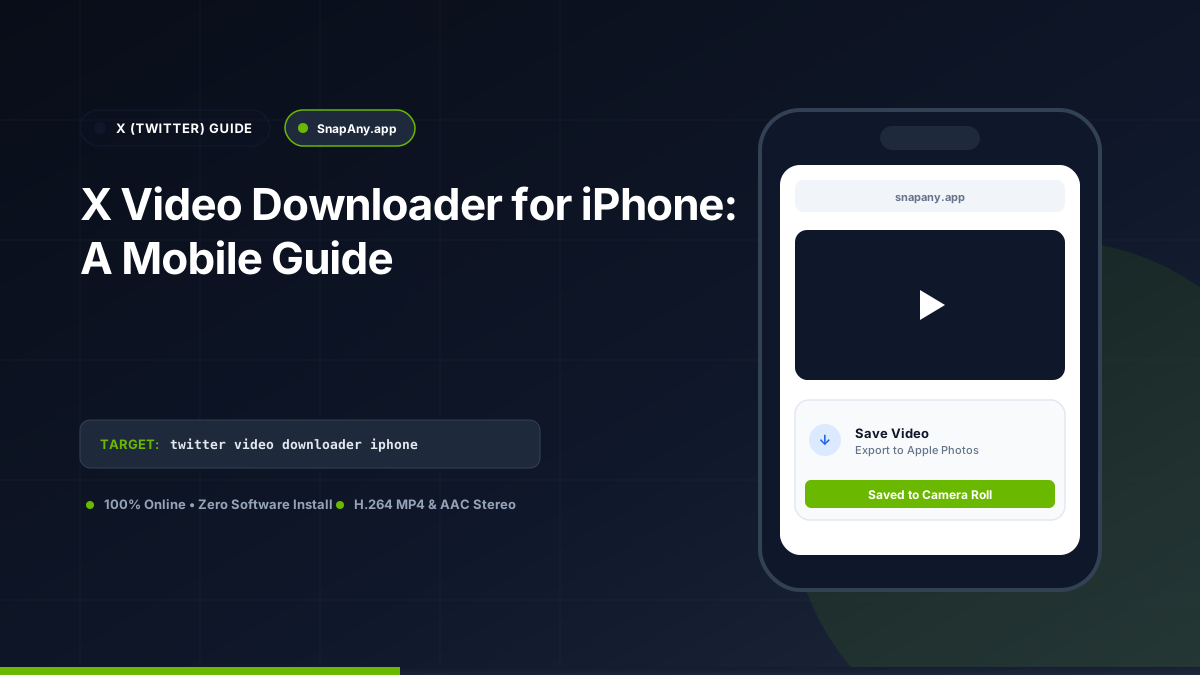
To save an authorized X video on your iPhone: copy the link from the X app, open Safari, paste the URL into SnapAny, tap Inspect Video, and choose Download MP4. When prompted by Safari, tap Download. Open the Files app and tap Share > Save Video to send the clip to your Photos Camera Roll.
How to Copy X Video Links on iPhone
1. Open the X app on your iPhone. 2. Locate the post containing the video. 3. Tap the **Share icon** (tray with an upward arrow) below the tweet. 4. Tap **Copy link**. 5. The URL (`https://x.com/username/status/...`) is now on your clipboard.
Safari Download Workflow on iOS
1. Launch **Safari** and go to `snapany.app/twitter-video-downloader`. 2. Paste the link into the URL input and tap **Inspect Video**. 3. Tap **Download MP4 File**. 4. Safari displays the prompt: "Do you want to download X_Twitter_Authorized_Media.mp4?" 5. Tap **Download**. The download progress circle appears in the address bar.
Moving the Video to Your Photos App (Camera Roll)
To make the video available in Apple Photos: 1. Tap the **Downloads icon** in Safari's address bar, or open the **Files** app and navigate to **Downloads**. 2. Tap the video file to open the iOS preview player. 3. Tap the **Share icon** in the bottom-left corner. 4. Scroll down and tap **Save Video**. The MP4 video is now permanently stored in your Camera Roll and can be edited in CapCut, iMovie, or sent via Messages.
Troubleshooting Common iPhone Download Errors
If a download fails on iOS: - **Low Free Space:** Go to **Settings > General > iPhone Storage**. Make sure you have at least 500 MB of free storage. - **Private Tweet Notice:** Verify that the X account is public; protected accounts cannot be processed by Safari without session credentials.
Key Takeaways & Best Practices
- iOS Safari handles direct MP4 downloads through its native download manager.
- Both x.com and twitter.com post links are fully supported.
- The "Save Video" option in the iOS Share Sheet moves MP4 files into the Photos app.
- No third-party App Store utilities or profile installs are needed.
Frequently Asked Questions
Do I need a special app from the App Store to download X videos on iPhone?
No. Safari's built-in download manager handles MP4 files natively without requiring third-party apps.
Will downloaded X videos have sound on iPhone?
Yes. Unless the post is a silent looping GIF, X MP4 files use standard AAC stereo audio, which plays natively in iOS Photos.
How do I copy an X post link in the iOS app?
Tap the Share icon beneath the post, then tap "Copy link" from the share sheet.
How do I save a downloaded X video to my iPhone camera roll?
In the iOS Files app, tap the downloaded video, tap the Share icon, and select "Save Video".
X (Twitter) Downloader Tool
Inspect public video links and download authorized MP4 or MP3 streams directly in your browser.